
Millions across the United States rely on SNAP (Supplemental Nutrition Assistance Program) to help buy food. Today, the entire food stamps process can be completed online, offering efficiency and privacy.
This article serves those new to online SNAP applications or anyone who wants to ensure their application is successful. Clear benefits include faster processing, greater convenience, and less paperwork.
Understanding Food Stamps and SNAP Online
SNAP, once known as food stamps, is a federally funded program administered at the state level. Eligibility rules are generally similar but may differ slightly by state.
Who Qualifies for SNAP?
Eligibility is decided by household size, monthly income, and some expenses. Most states require applicants to be either citizens or qualified non-citizens.
- Income level must fall under state-specific limits.
- Asset limits apply in many regions.
- Some states have work or student requirements for certain groups.
Why Apply Online?
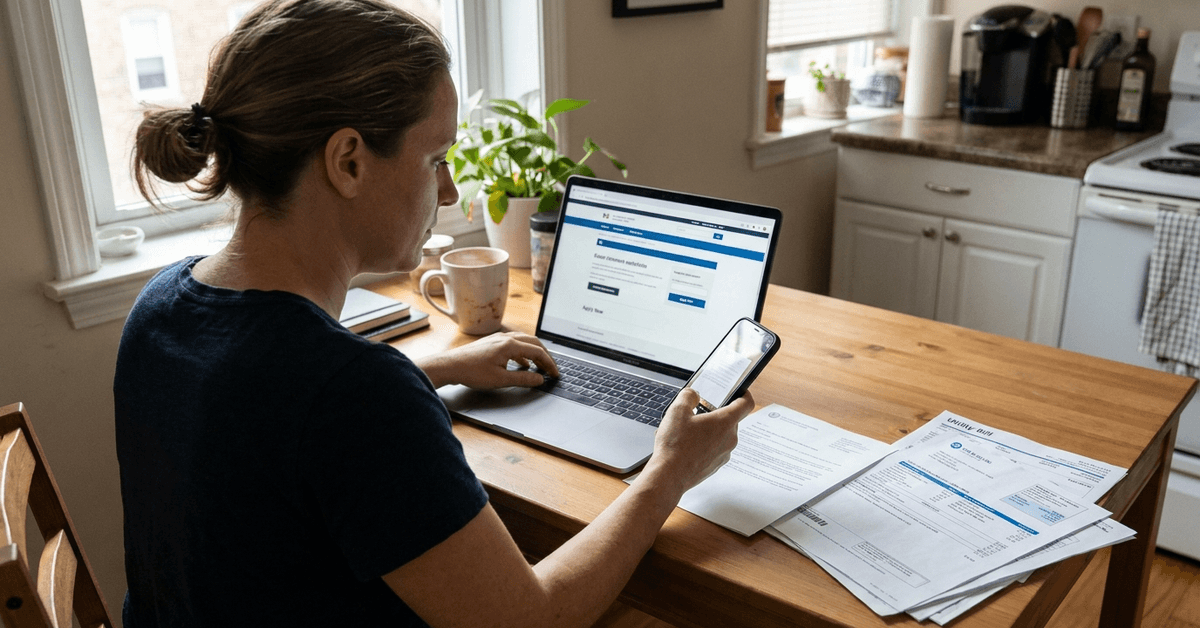
An online application for SNAP provides privacy and speed. It lets you apply outside work hours, save progress, and upload documents digitally.
How the Online Food Stamps Application Works
Understanding the online food stamps application process helps eligible households prepare documents, submit accurate information, and track their SNAP benefits application through official state portals.
Finding Your State's Application Portal
Each state has its own SNAP website. The main federal guide is on the USDA SNAP State Directory, which links directly to state sites.
- For example, California uses BenefitsCal.org.
- New York runs myBenefits.ny.gov.
- Florida’s portal is ACCESS Florida.
Look for the official government address to avoid scam sites posing as SNAP assistance pages.
Getting Documents Ready
Online SNAP applications commonly require digital copies or photos of documents. The most important are:
- Proof of identity (driver’s license or state ID)
- Social security numbers for all household members
- Proof of income (pay stubs or unemployment statements)
- Utility bills or rent statements to verify expenses
Step-by-Step Guide to Applying Online
- Go to your state’s official SNAP benefits site.
- Register an account if required (most states need this).
- Fill in each page of the digital application, answering all questions accurately.
- Upload required documents when prompted. Use clear phone photos if needed.
- Read the acknowledgment carefully before submitting.
- Track your application status in your online portal, or through follow-up emails or text updates.
Some states offer mobile apps—New York, for example, uses NYDocSubmit to send documents directly by phone.
Practical Strategies for a Successful SNAP Application
Preparing accurate documents and understanding SNAP requirements can simplify online applications. Following helpful strategies reduces common errors, prevents unnecessary delays, and supports smoother processing.
Double-Check Information
Accurate answers prevent delays. If unsure about an entry, check your documentation again or seek clarification with your local office. Incorrect details may cause a rejection or request for clarification.
Use State-Specific Help Centers
Almost every state provides a helpline or online chat. These services frequently resolve application problems quickly. When uncertain which document to upload, these centers can confirm requirements.
Save All Confirmation Numbers
Upon submitting, save or screenshot submission confirmations and case numbers. They will be useful if you need to call a local office or if your online status does not update promptly.
Check Your Application Progress Regularly
Many platforms, including BenefitsCal and myBenefits, display real-time processing updates through your account. Frequent checks can alert you if documents are missing or interviews are scheduled.
After Submitting Your SNAP Application
After submitting your SNAP application, understanding verification steps, interview requirements, and decision timelines helps you track progress and avoid delays.
Interview Process
Most states require a phone or video interview. Scheduling is often handled directly through the state portal or by follow-up email.
It is important to answer calls from unfamiliar numbers soon after applying, as it could be your caseworker trying to set an interview time.
Document Follow-Up Requests
If anything is missing or unclear, local SNAP offices may send messages asking for extra copies or explanations. Prompt responses can shorten your wait.
Decision and EBT Card Mailing
Typically, a decision comes in two to four weeks, but urgent needs may qualify for expedited service (sometimes under seven days). Approved applicants receive an EBT card by mail—this functions just like a debit card at most supermarkets.
Not Approved?
If an application is denied, a written explanation is provided through the portal or mail. If you believe the decision was an error, states such as Texas and California allow quick online appeals. Seeking advice from a community legal clinic is another approach if you need support.
Tools and Apps for Online SNAP Applications
- myBenefits (New York) lets you track status, upload new information, and manage renewals in one place.
- BenefitsCal is California’s all-in-one platform for applying, submitting documents, and viewing ongoing case info.
- ACCESS Florida supports document uploads, video interview scheduling, and messaging with representatives.
For document scanning, free apps like Adobe Scan or Microsoft Lens can convert phone photos to PDFs—these can be helpful when portals limit the type of files you can upload.
Frequently Asked Questions About Online SNAP Applications
Understanding common questions about online SNAP applications helps applicants clarify eligibility, required documents, submission procedures, and processing timelines while avoiding unnecessary delays.
Can the whole family apply together?
Yes, one application can cover all members in your household who share food purchases and expenses. Be sure to include everyone to maximize benefit eligibility.
Do non-citizens qualify?
Some legal immigrants and refugees may qualify, depending on their specific status and state rules. Undocumented immigrants are generally not eligible for SNAP, but children who are citizens may receive benefits.
How do I renew my benefits?
Almost all states offer online renewal, which can often be done through the same portal as the original application. A notification is sent when it’s time to renew benefits, usually several weeks before expiration.
Do high-demand cities process claims differently?
Cities with heavy SNAP use, such as New York City, Los Angeles, or Houston, may have longer processing times and busier help centers. However, the digital process is designed to streamline even high-volume areas.
Conclusion
Applying for SNAP benefits online offers a convenient way to access food assistance through official state portals. Preparing accurate documents, using digital tools, and monitoring application updates can help reduce delays.
Applicants can also contact their state's SNAP office for guidance or assistance. Following the correct steps supports a smoother application process and timely access to eligible benefits.